On 25 November the Netherlands Snowflake User Group met at adesso. The theme was "From Data Foundation to Agentic AI on Snowflake". Two sessions, two real cases, one argument: AI is only as good as the foundation under it.
I'll skip the recap of the evening and focus on what I think matters if you run a Snowflake platform or are about to.
David Visser of adesso opened the evening.
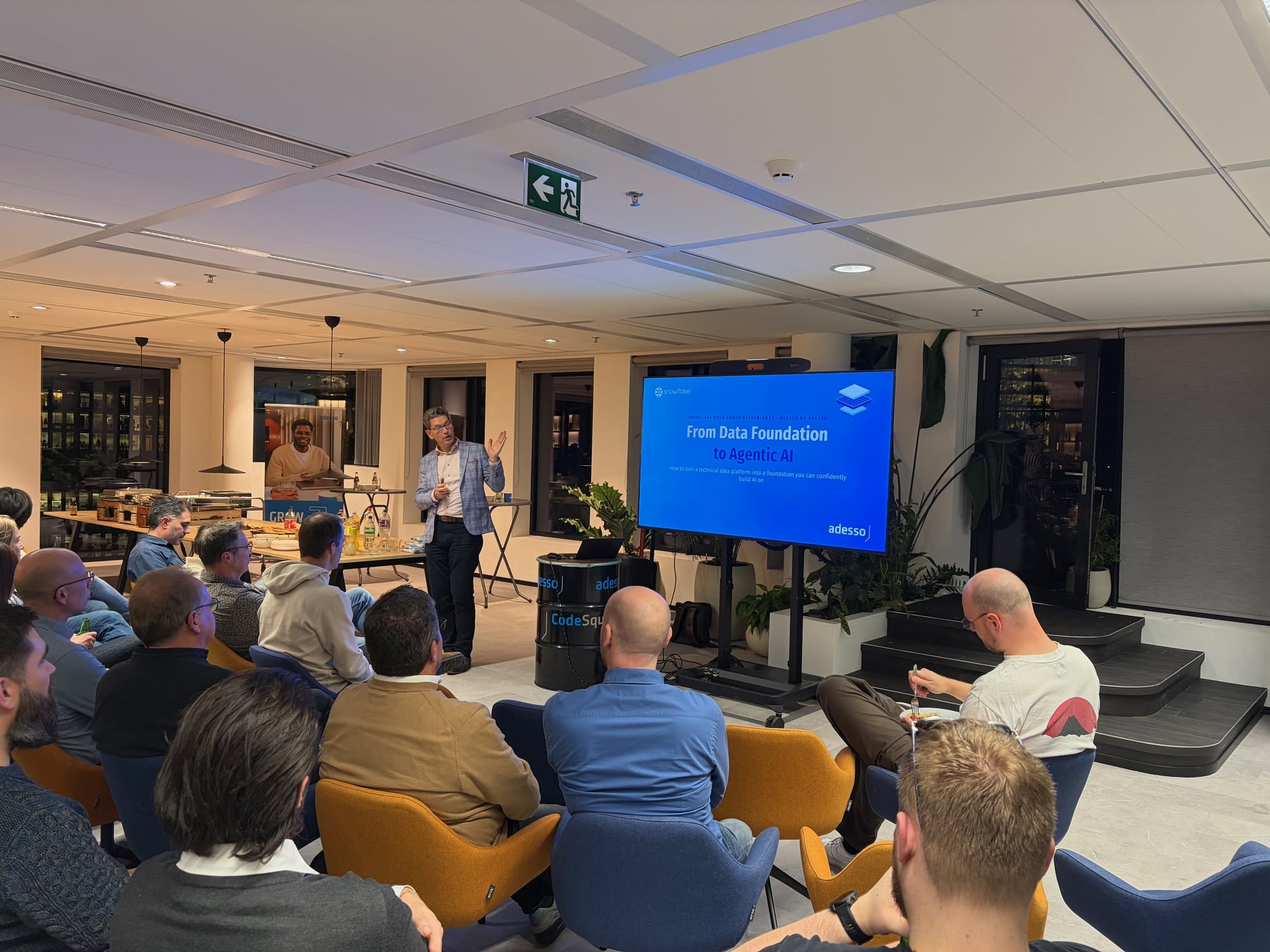
Session 1: From Zero to Production in 6 Weeks
Nick de Korte of adesso presented “From Zero to Production in 6 Weeks: The First Snowflake Openflow Implementation in the Netherlands.”
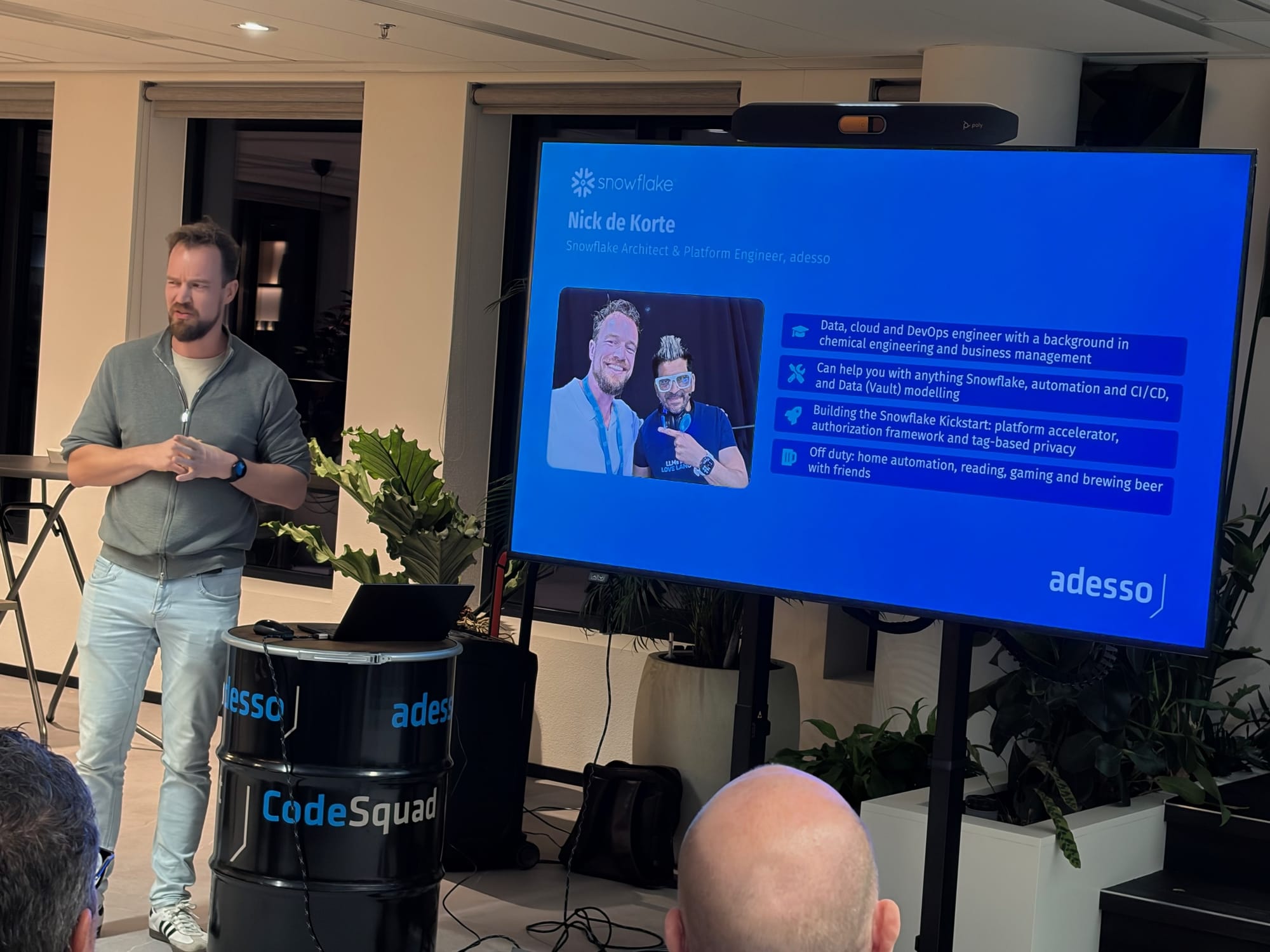
The first case was a Snowflake platform built in about six weeks, with what adesso presented as the first Openflow implementation in the Netherlands (source: the event page). Two choices made that speed possible.
Everything as code, from the first account
The account setup lived in one code base. Network policies, roles, databases and warehouses were defined as configuration, with small defaults. An extra small warehouse is a name and a size attribute, nothing more. Every resource came with its own set of technical roles, so functional roles can be built on top later without redoing grants. Deployments ran through pipelines, and the Terraform state could sit in Snowflake itself instead of an external cloud backend.
The so-what: access control is where Snowflake projects get messy. Generating roles with the resource, instead of adding them afterwards, is governance by design. It is also cheap to do on day one and painful to retrofit.
Metadata-driven ingestion instead of hand-built flows
The client had many sources, mostly APIs, plus files and a few databases. Building a separate flow per source or endpoint was not an option within the timeline.
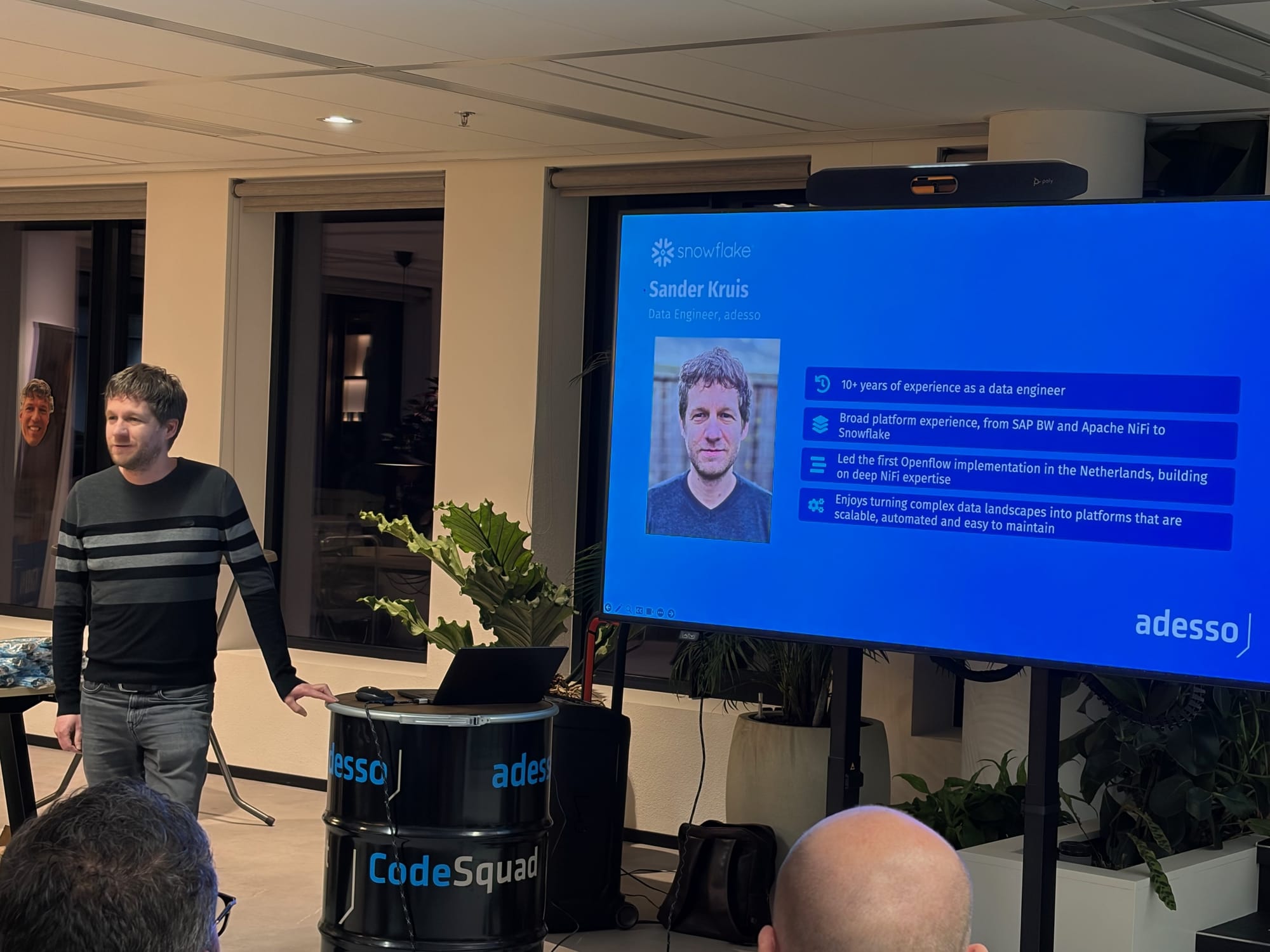
Sander Kruis of adesso followed Nick’s presentation with a demo of the Openflow implementation.
So the design was one repeatable flow. A parameter table in Snowflake lists the objects to load: endpoint, page size, ordering, and so on. A new source or object is a new row. The pattern, as I understood it:
- A Snowflake task resumes the Openflow runtime and triggers the flow.
- Openflow does only the extract, and writes JSON to a stage.
- Snowflake takes over again: raw tables hold each record in a single variant column, so a schema change at the source does not break the load.
- A standardized layer builds views from the JSON keys. History is built technically, with a row hash, not with business keys. If the record is unchanged, nothing new is written. If it changed, you get a new version with a detection timestamp.
- Column names can be corrected in a metadata table and the views regenerated. No rebuild.
The team chose custom flows over the standard connectors. Their reasoning: the main sources were APIs without a connector, and the standard database connectors create their own database and tables per source, which they did not want. One landing pattern for every source was worth more to them.
The cost question
Openflow needs a runtime. Left on, it burns credits. Here the runtime is suspended after the nightly load, so it runs roughly 10 to 20 minutes a day on a small, single-node setup. The longest load was about 20 minutes. The speakers said the client was happy with the cost, but nobody in the room could give a number. Treat that as an open question, not a result.
Openflow is built to run continuously on streaming data. Suspending it for batch loads means building your own "are we done" logic around it. That worked here. It is a trade-off you take on.
Someone in the room also asked why Openflow at all. The honest answer was that it was a client guardrail. Asked if they would choose it again, the answer was careful: it is flexible and it stays inside Snowflake, but if all your sources have simple direct options, check whether you need it. On pairing it with a tool like Matillion, the view was that it is for ingestion, and transformation is better kept inside Snowflake, for example with dbt.
Before you copy any of this: check the current release status and regional availability of Openflow in the Snowflake documentation first. I did not verify that for this post.
Session 2: Headless BI in Practice
Walewein Noordam of adesso presented “Headless BI in Practice: Semantic Views, Cortex Agents and Snowflake Cowork.”
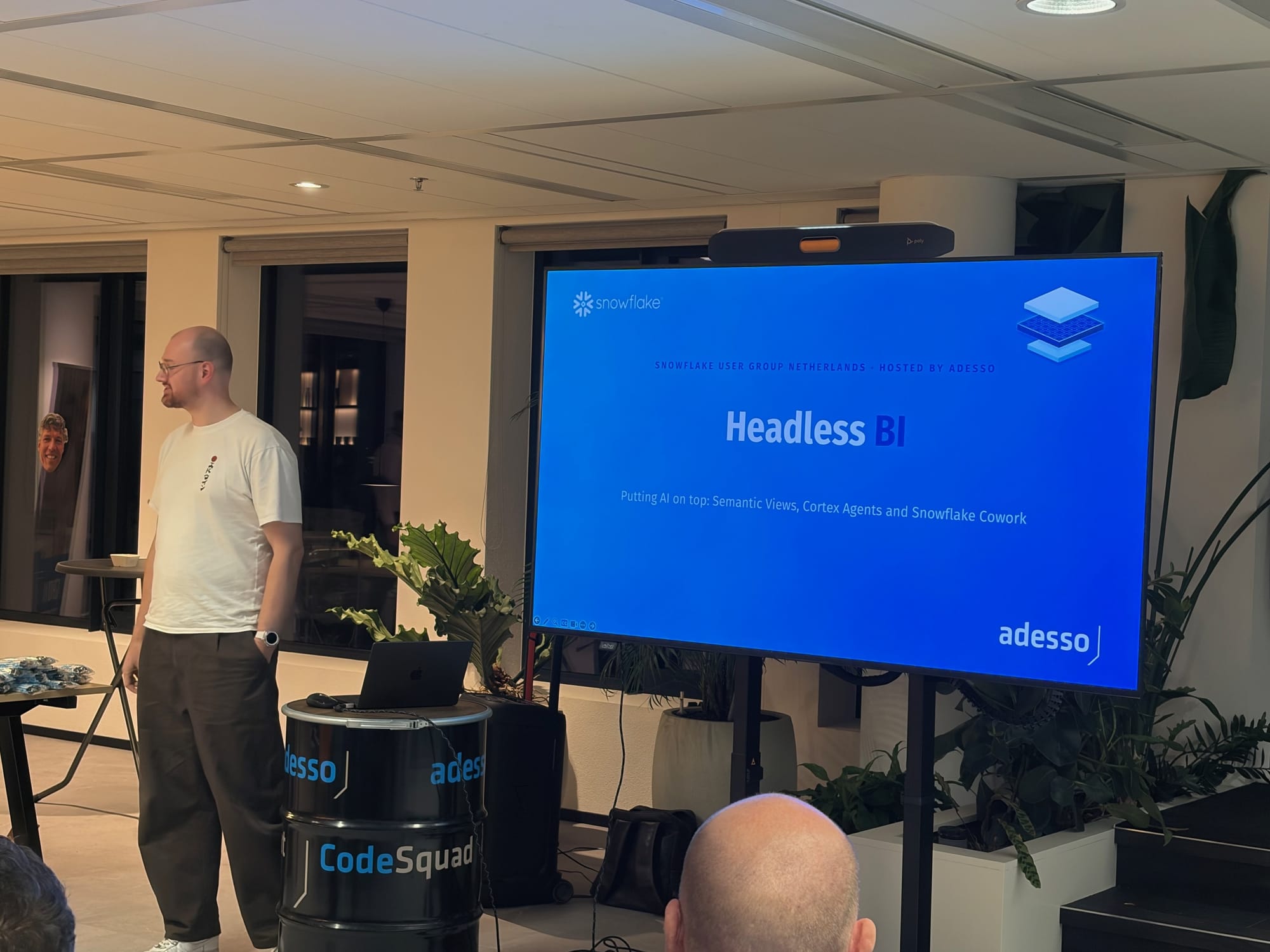
The second case was headless BI for a large international organisation. Semantic views hold the business definitions. Cortex Agents answer questions on top of them, and Snowflake Cowork brings that into daily work.
The core argument, which I agree with: a table is ready for reporting does not mean an agent can understand it. Ask for revenue, and the column might be called "actual". Ask four colleagues, and without a defined layer you get four answers.
What goes in a semantic view
Tables, relationships, facts, dimensions and metrics. The part that does the work is the metadata on top:
- Synonyms. Revenue, net revenue, sales, turnover, and the Dutch terms your users actually type.
- Comments with the rule in them. Net revenue counts only delivered orders, by delivery date, and returns are subtracted. That logic lives in the view, not in every prompt.
- Known quirks. No data before a store opened is not an error. Say so once.
- Verified example queries. Real questions with real queries and the answers people already trust. The speakers were clear that good examples beat a long prompt.
The relationships matter too. Without them the agent works out the join path on every question, which costs tokens and invites mistakes.
How to build one
The advice was practical:
- Pick one business process and one semantic view for it.
- Interview the people who do the work. Collect their jargon, their last few analyses, their queries, and 20 or so questions they want answered.
- Map that to your gold layer assets.
- Release early, let users break it for a week, and fix what they tell you.
Keep it narrow
This is the point I would put on a wall. One semantic view per process, even if another process is 80% similar. Adding tables to an existing view dilutes what the agent can do. Reliability comes first. If you and a colleague ask the same question and get different answers, people stop trusting it, and they are right to.
The same logic came up on languages. A Dutch and an English user are not just a translation apart, because synonyms and homonyms differ per language. The speakers preferred separate Dutch and English views and agents, accepting that you now maintain two. Whether ontologies will change this was left open.
Agents, guardrails and testing
Simon Akkerman of adesso followed Walewein’s presentation with the live demo.
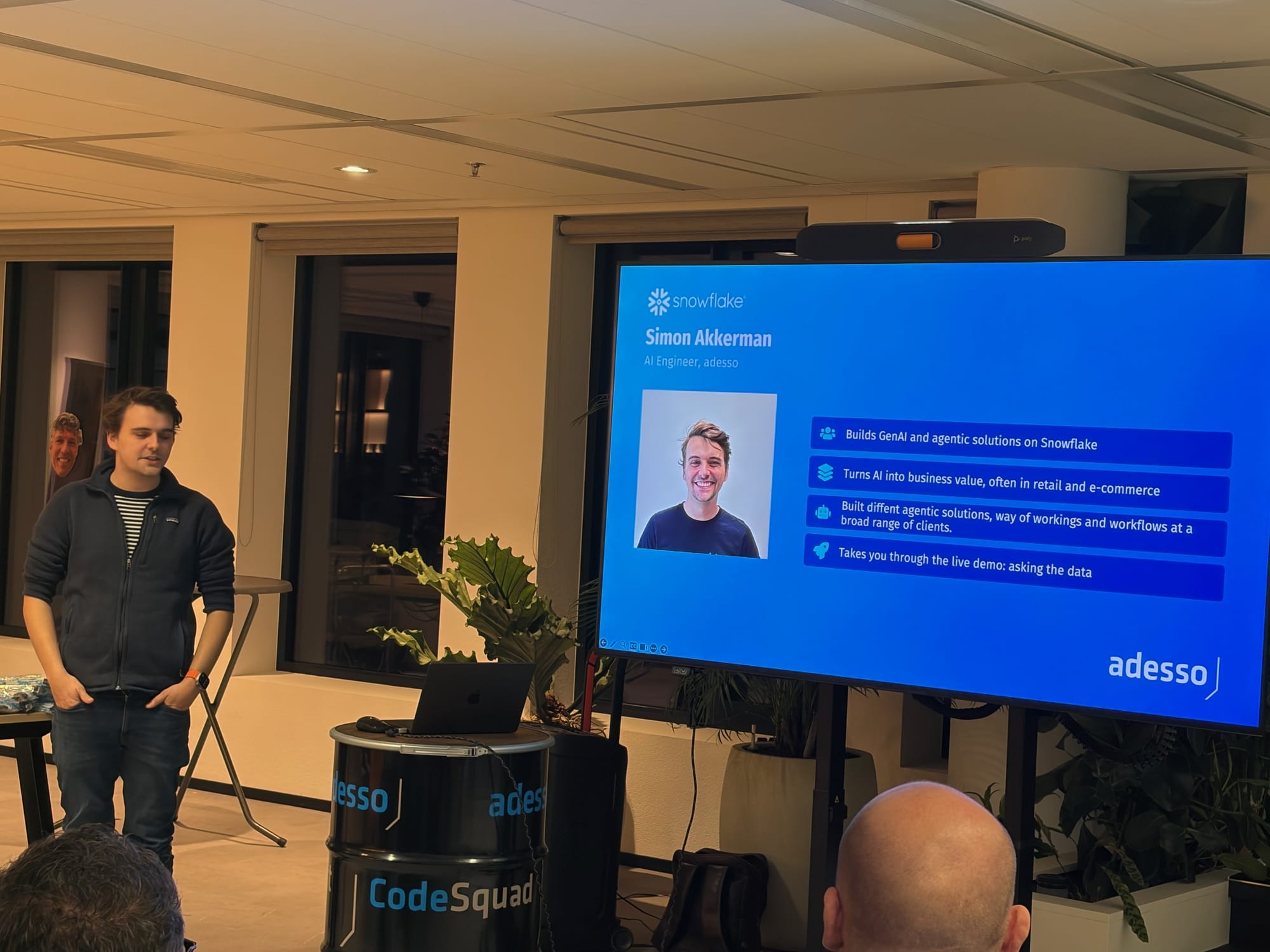
A few details worth taking home:
- The agent has its own instructions as well as the semantic view. Keep technical SQL detail out of them, because it bleeds into the answers users see.
- Scope the agent. A question about the weather was refused, which is what you want. A general chatbot on your credits is expensive.
- Access follows role-based access control. An agent should never reach data its user cannot reach.
- Runs are traceable through observability, so you can see what was asked and what was done.
- Testing is still manual. Ask the same question in different wording and compare. Evaluations were mentioned as something to look into.
And the demo agents and views can be defined as code, with dbt wrapping the procedures, so they can be versioned and deployed like everything else. I would check the exact dbt package and its limits before relying on it. The speakers were not sure about all details themselves.
Does this replace your BI tool?
No, and I liked how it was put. Fixed reports that you look at every week stay in the BI tool. If a dashboard needs 20 dimensions to answer follow-up questions, move those questions to an agent. Snowflake dashboards were called immature. Whoever owns the semantic layer, vendors still need to agree on a standard before a BI tool can read these views directly.
Also worth saying: for audit-grade financial reporting, the speakers would still verify the output. Traceable is not the same as correct.
David Visser returned to close the evening.
Trade-offs
- Code-first setup is fast to repeat, but needs people who maintain it.
- Metadata-driven ingestion is cheap per source, but the framework is a product you now own.
- A narrow semantic view is reliable, but you will have many of them, and each needs an owner.
- Semantic views need maintenance. When a business rule changes, the file changes. If nobody owns that, the agent keeps answering with the old rule.
What I take from it
The two sessions looked like different topics. They are the same topic. The first one made the data arrive in a consistent, repeatable way. The second one made the data mean something consistently. An agent on top of inconsistent data or undefined metrics is not intelligent, it is confident.
If you are planning agents on Snowflake, start by asking who owns the definition of revenue. If nobody answers, you know where to begin.